You can personalize how your sound wave is drawn in the Sound Wave tab. The main controls are: style, colors, thickness, space, and height—plus bar length and circle radius when you use a circle style.
Where to find it#
Open the Sound Wave tab in the left panel. At the top you choose the style; below that are the color row and sliders for thickness, space, and—for horizontal styles—height. When the style is Circle, extra sliders appear for bar length and circle radius.
Style#
Choose how the wave is drawn:
- Standard: Horizontal bars (the classic look).
- One-sided: Horizontal bars that extend from a single baseline instead of mirroring up and down.
- Circle: A circular waveform, ideal for round artwork and posters.
- Dotted: Bars rendered as dots instead of solid rectangles.
- Bezier: A smooth, curved waveform line instead of individual bars.
Changing style can reset thickness and space to defaults for that style.
Colors#
Use the color row to set a single color or a gradient. Add multiple color stops and drag to reorder them; the wave bars follow these colors along the waveform.
Thickness#
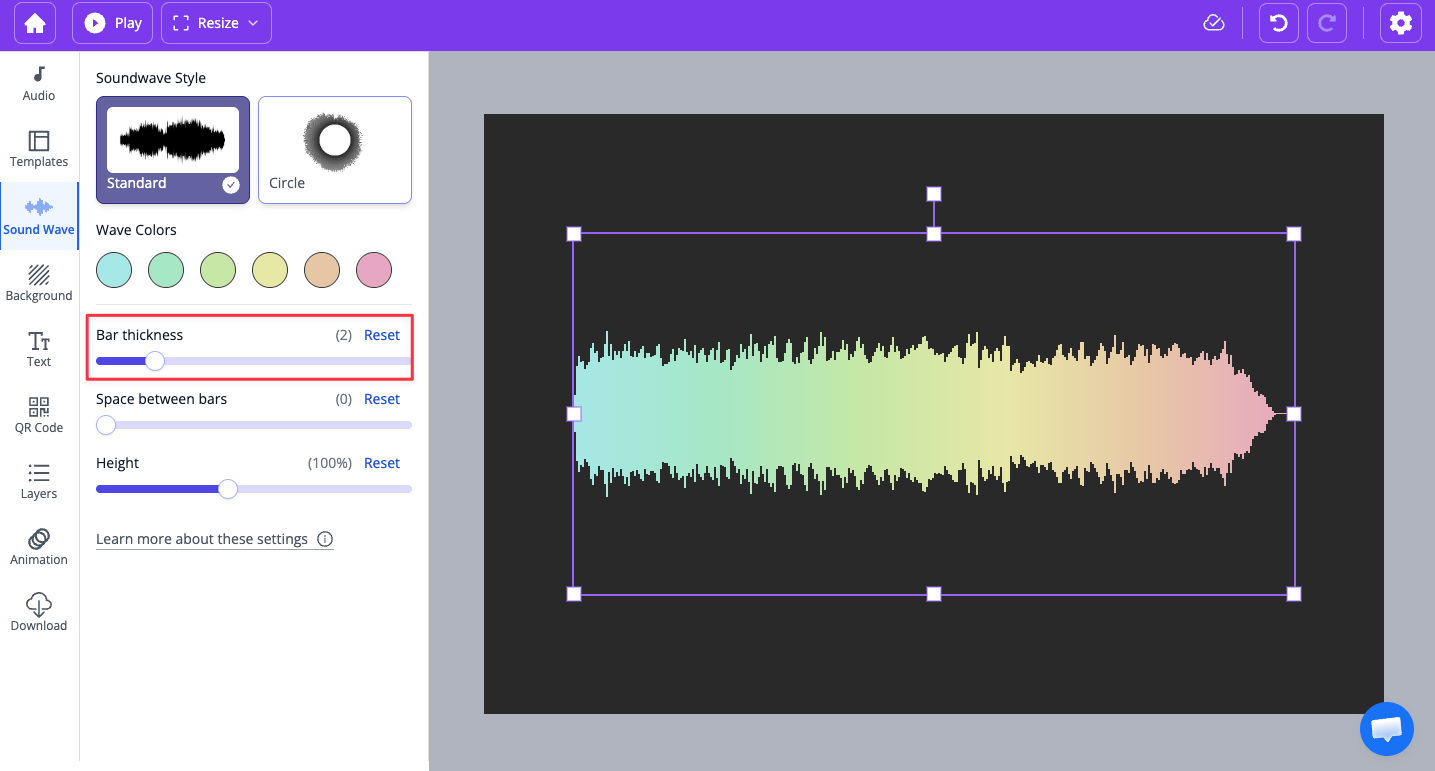
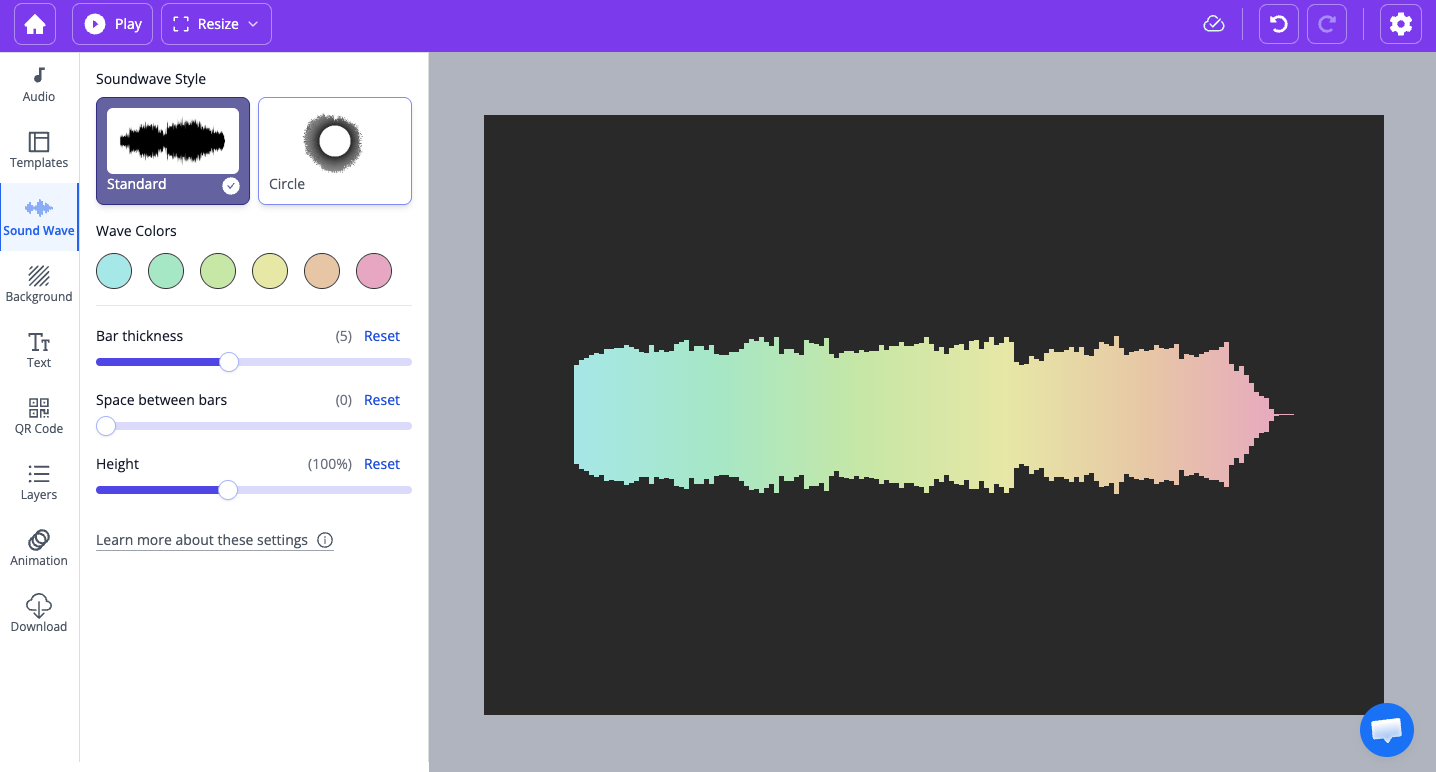
Thickness is the width of each bar. Lower values give thinner bars; higher values give bolder bars. The range depends on whether you use Standard or Circle. Below, examples of the same wave at different thickness.
Space#
Space is the gap between each bar. At 0, bars touch and the wave can look like a solid shape; higher values make the bars more separated. Here are some examples:
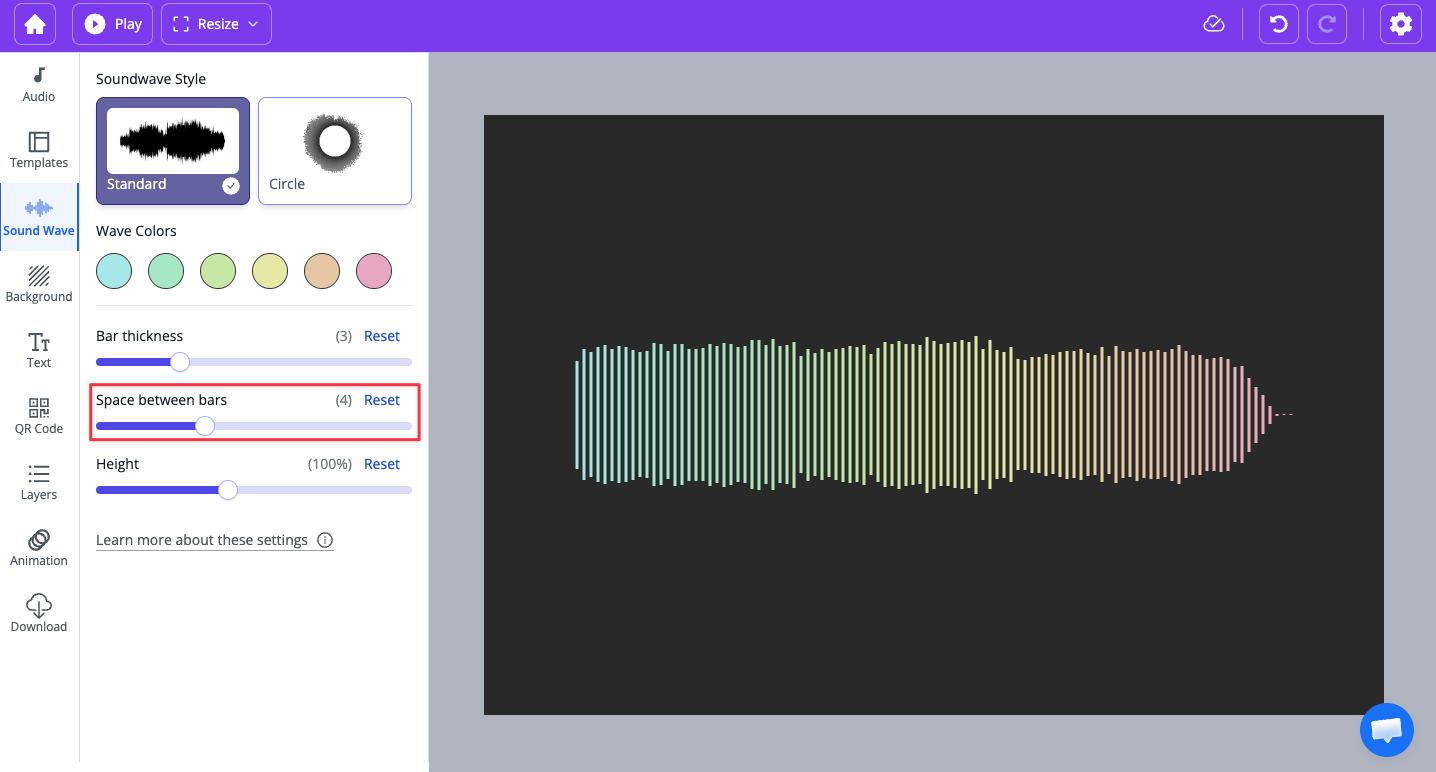
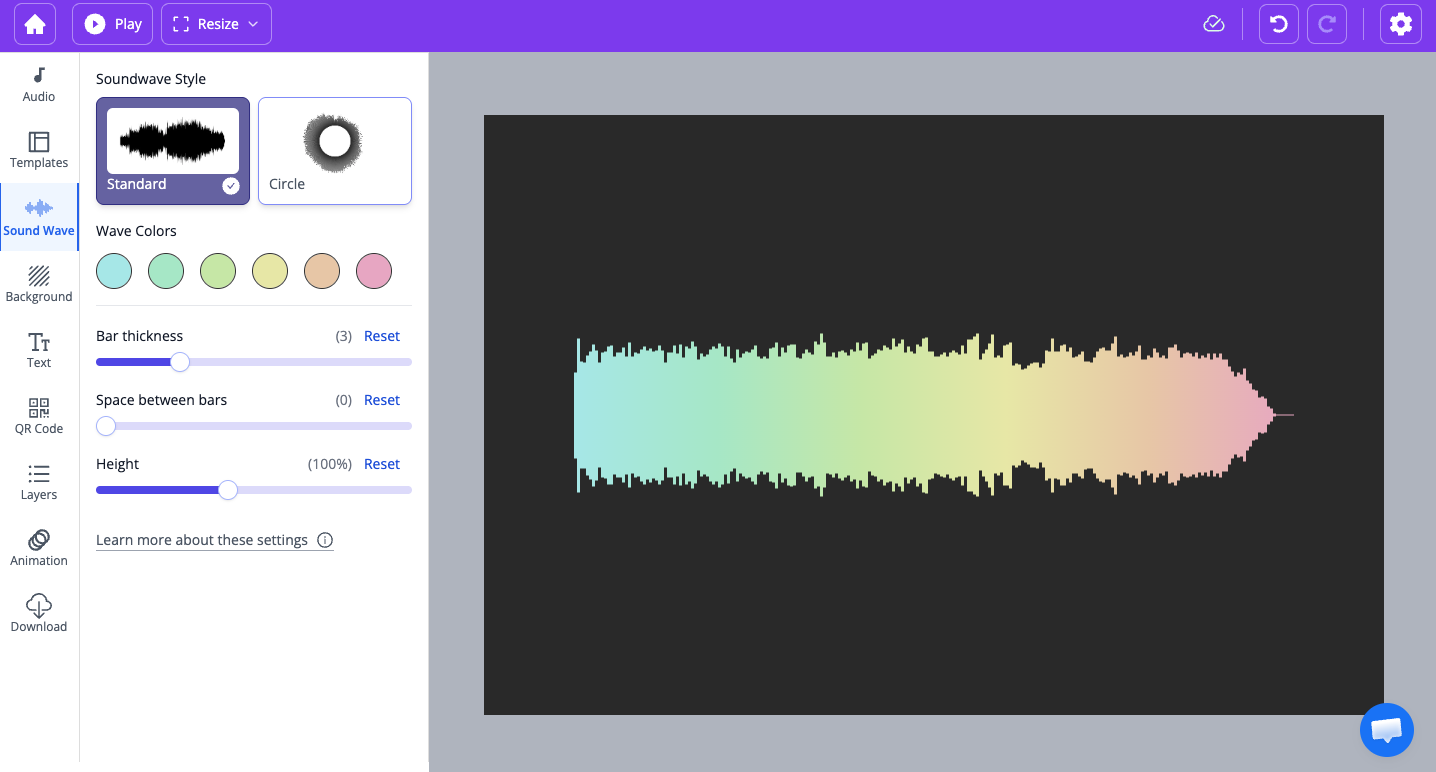
When space is zero, bars touch and the wave can read as one continuous shape.
Height (horizontal styles)#
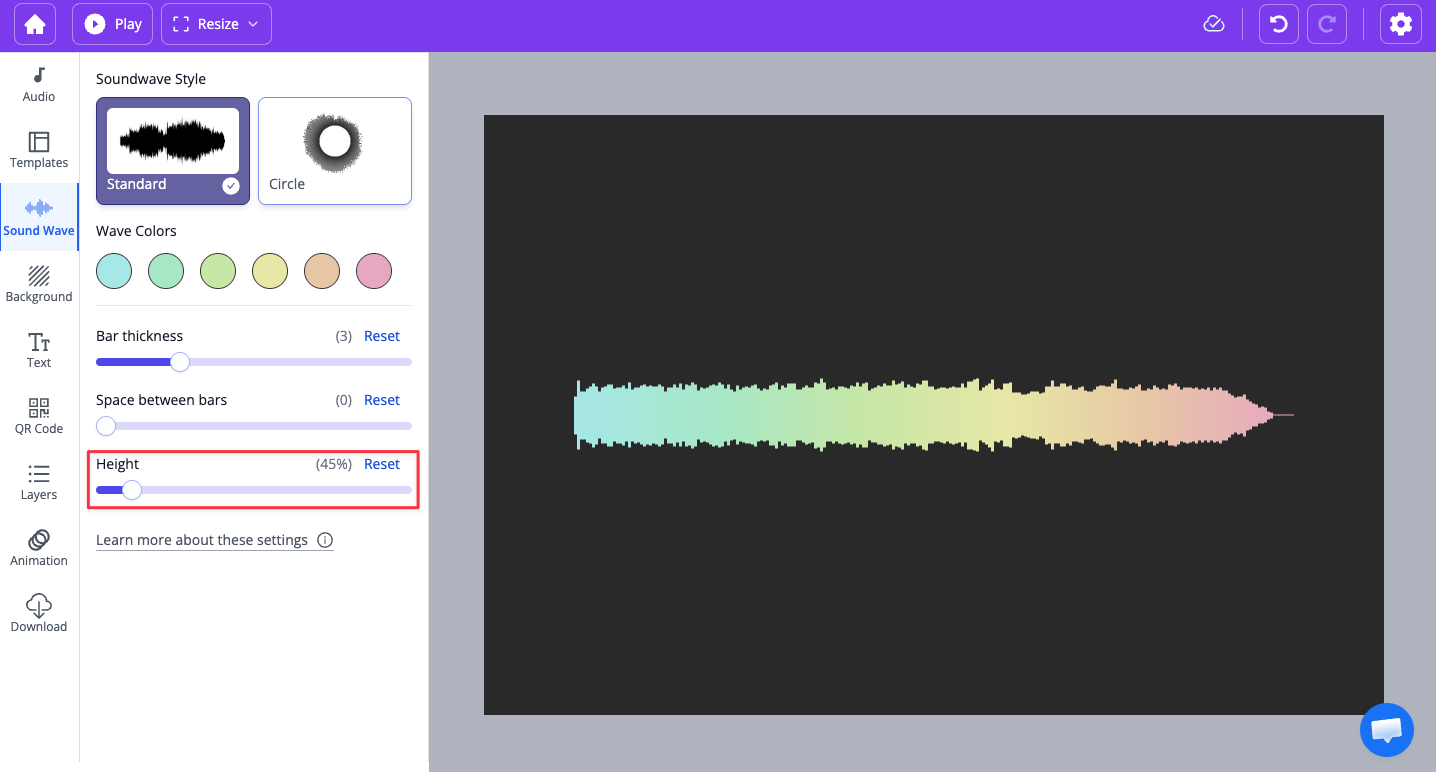
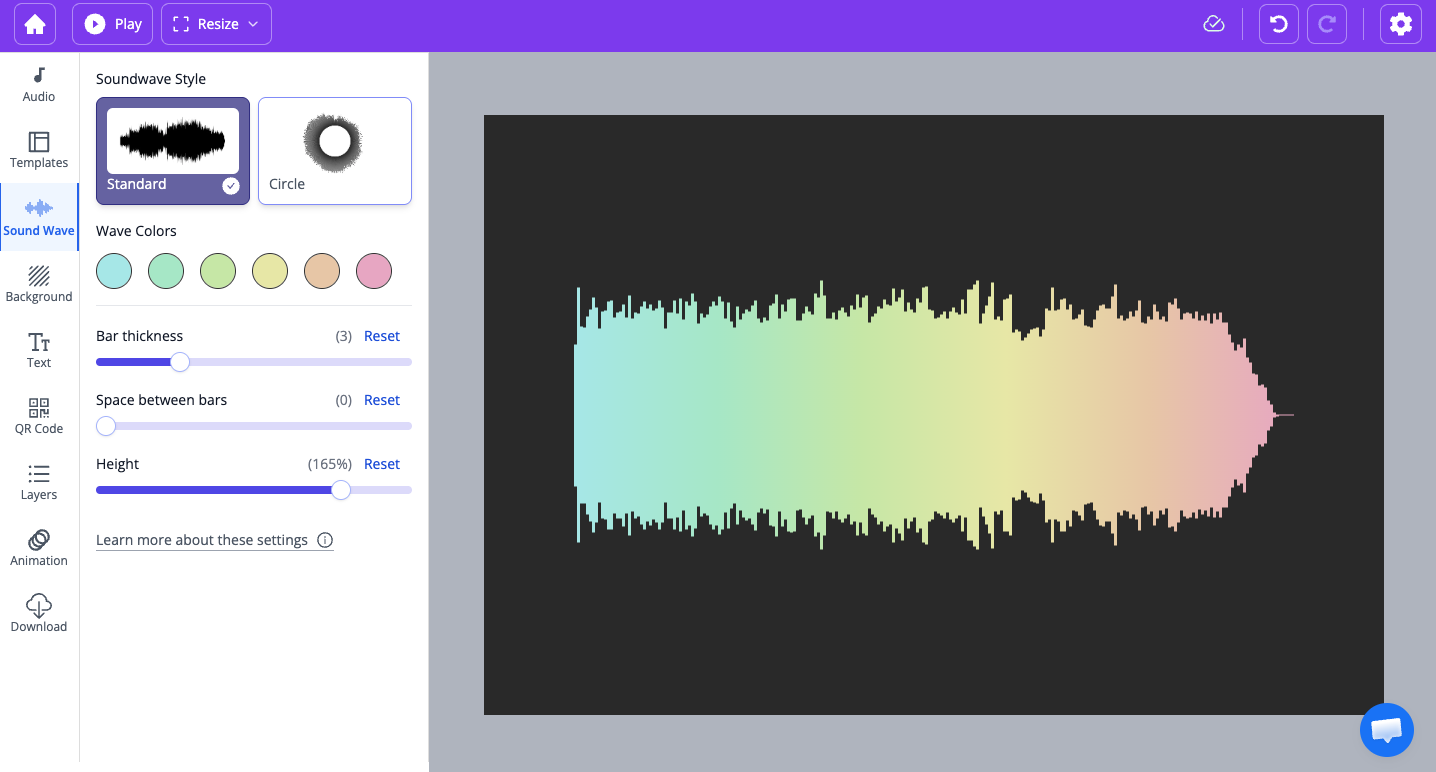
For Standard (and other horizontal styles), Height is a percentage that scales how tall the bars are. 100% is the default; reduce or increase it to fit your layout. This control does not appear for Circle style.
Circle-only: Bar length and Circle radius#
When the style is Circle, two extra sliders appear:
- Bar length: How far each bar extends from the circle (from the centre outward).
- Circle radius: The size of the circle. Use it to make the ring larger or smaller on the canvas.
Height (examples)#
These examples show how bar height can vary for horizontal waves.