
QR codes are the most common way we share links in the physical world these days. Whether it is a restaurant’s menu or a vaccine passport, QR codes are everywhere and virtually every modern mobile phone can easily recognize them. Therefore, we’re utilizing QR codes to allow you to scan your designs back and listen to your sound.
The options related to QR codes can be found under QR Code tab within our editor.
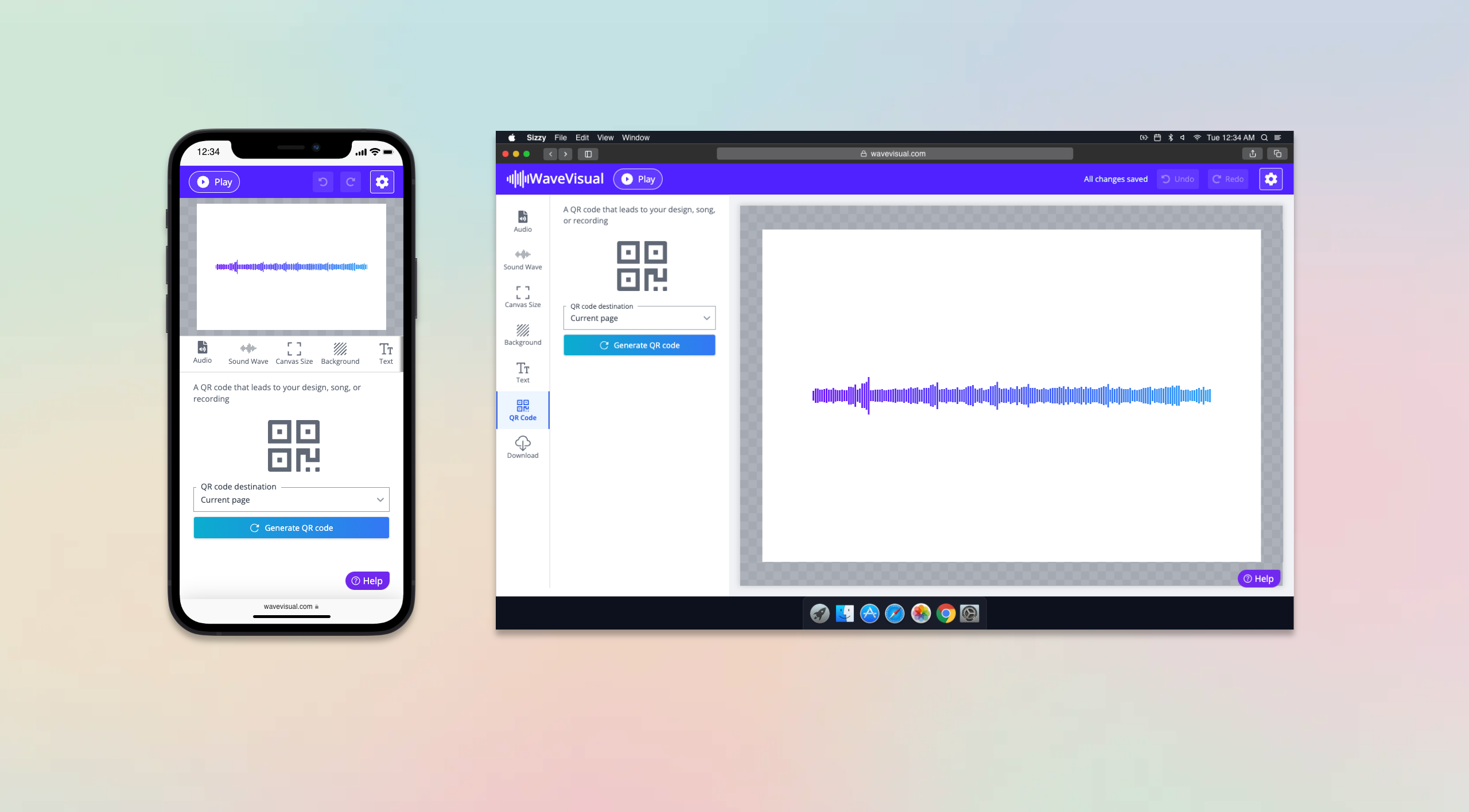
You can choose what happens when someone scans the QR code:
- Design landing page (default): A dedicated page that shows your design and an integrated audio player so viewers can listen to your sound.
- Uploaded audio: The QR opens your uploaded audio file directly.
- Song on Spotify: If your sound is from Spotify, the QR can open that track on Spotify.
- Custom URL: Point the QR to any URL you want.
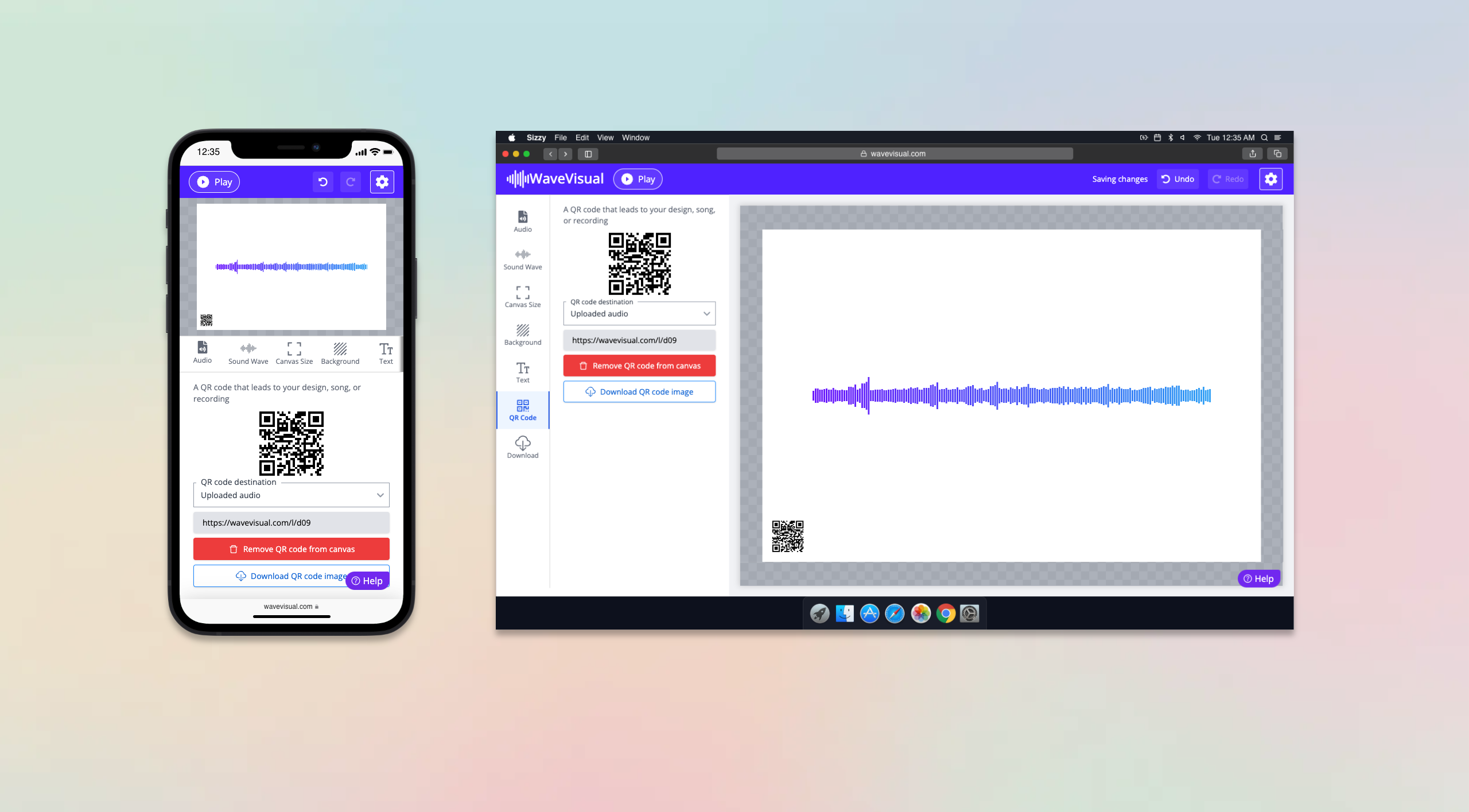
All QR codes lead to clean, responsive landing pages—no need to place a separate link in your artwork. Find the QR Code tab in our editor, pick a destination, add the QR to your canvas, and export your design.
To learn more about how you can customize your artwork, you can refer to these articles: