
What is the export resolution?
Raster PNG/JPEG up to about 12k px long edge at 300 DPI. PDF/SVG vector sound wave. Video: MP4, GIF, WebM, MOV up to 1080p; MOV with alpha; length and licensing limits.
The export resolution depends on what you export from WaveVisual. PNG and JPEG images use fixed pixel dimensions (great for print and sharing). PDF and SVG are vector exports—the sound wave scales cleanly to any size. Animated video (MP4, GIF, WebM, MOV) uses the frame size you pick in the Download tab; see Animated video exports below.
Fixed-resolution files
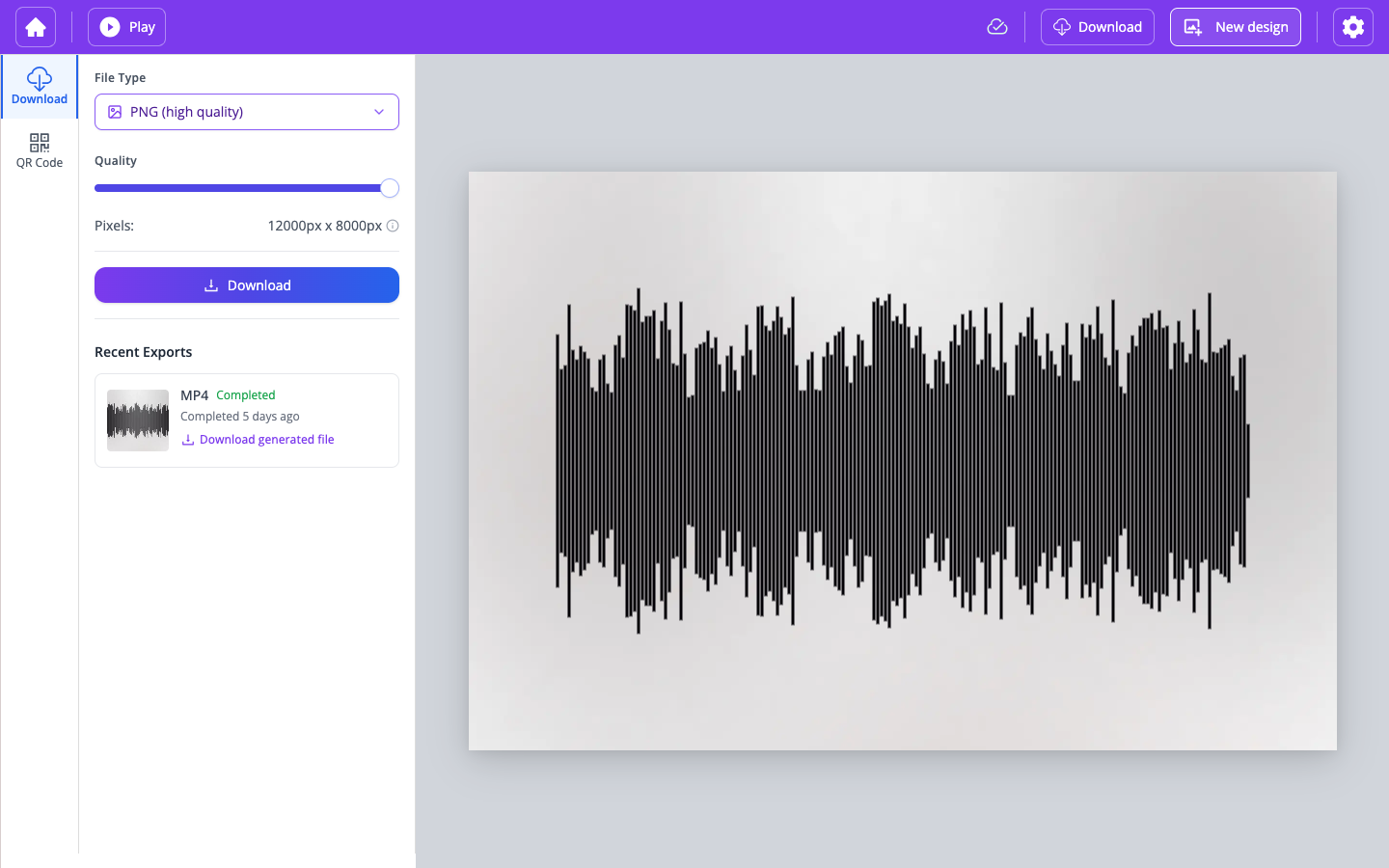
PNG and JPEG sound wave images are exported at 300 DPI (dots per inch) for high-quality printing. The pixel size depends on the canvas size you chose; raster exports typically support up to about 12,000 pixels on the long edge—enough for prints about 40 in (about 102 cm) wide at full resolution.
More size and quality choices are available in the editor. If you pick a lower setting, we render at that resolution (see options under the Download tab after purchase).
Vector files
PDF and SVG files are vector files. Their contents are described mathematically, so you can scale the sound wave to different output sizes without losing sharpness. An SVG can drive both a 600 px-wide preview and a 12,000 px-wide print export with the same geometry. PDF is a portable vector package that print shops handle reliably—often the best choice for sending artwork to print.
For still-image format tradeoffs (PNG vs JPEG vs SVG vs PDF), see Which image file formats are supported by WaveVisual? in this help center.
Animated video exports
Video exports (MP4, GIF, WebM, MOV) use the frame size and format you select in the Download tab. Typical presets render up to 1080p for HD and social platforms. MOV supports a transparent background (alpha) when you need to layer the waveform over other footage in another editor. Video length is capped at 60 minutes (based on trimmed or full audio); trim longer clips in the editor if needed.
Spotify-linked tracks cannot be used for video export with muxed audio under our licensing rules—use upload or record for MP4, WebM, or MOV with your own audio. For full detail, see Can I download the sound wave animation as a video? in this help center.
⚠️ If you import a custom background image to your artwork, maximum lossless quality will depend on your image. Our sound waves are vector but your custom image will not be vector. Therefore, we cannot enhance its resolution. Please make sure that you upload the highest resolution available of your image.