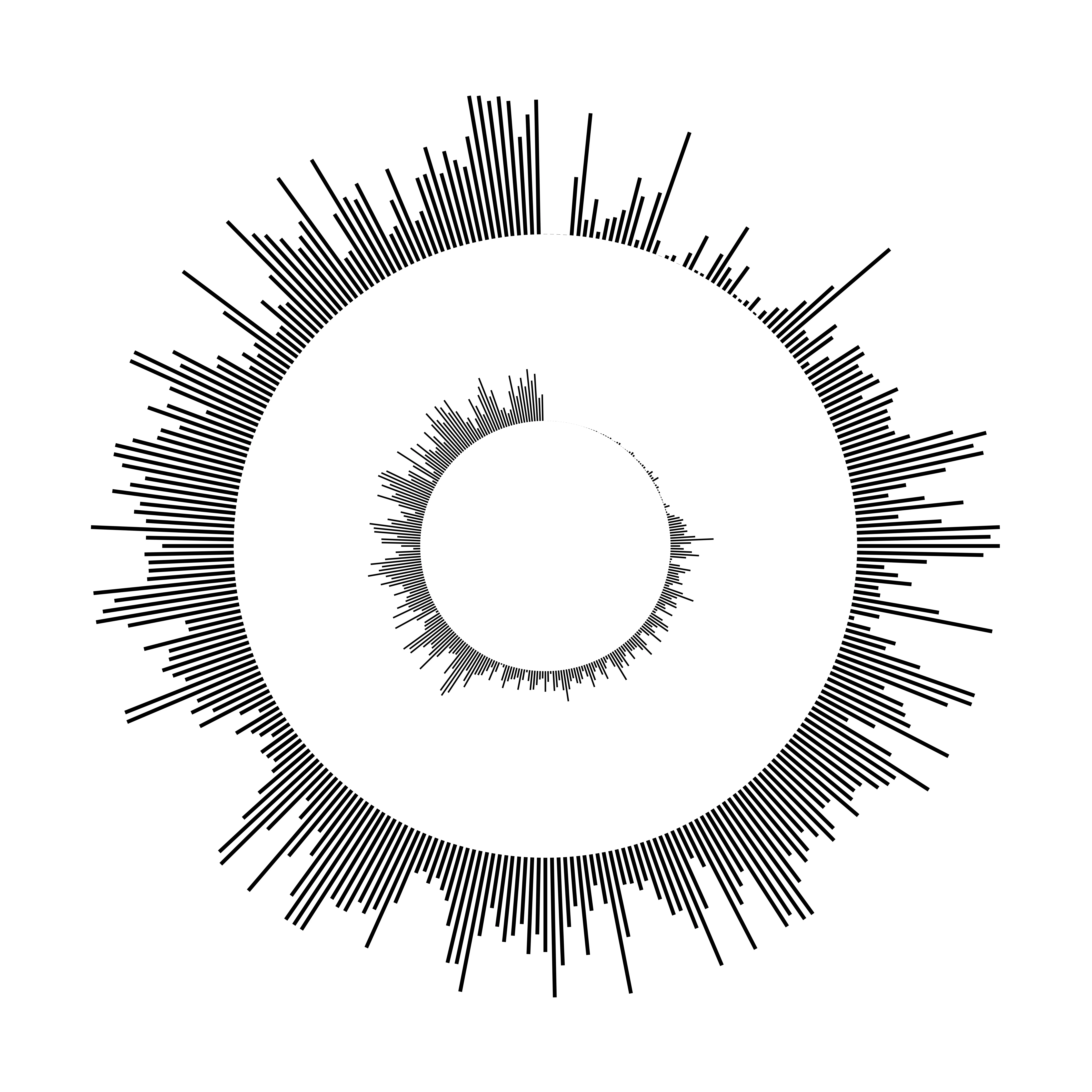
Yes. You can add up to 6 sound waves on a single artwork. Each waveform can have its own audio source (upload, record, Spotify, sample, etc.) and position on the canvas, while sharing the same visual style (colors, thickness, spacing).
In the editor:
- Use + Add Sound Wave to add more waveforms (the button shows the current count, e.g. 3/6).
- Click a waveform on the canvas to select it and edit its source or move it.
- Use the waveform list in the source menu to switch between or remove waveforms (you always keep at least one).