After you add uploaded (or sample) audio, you will see Play in the top toolbar (left of Download). Click it to start playback and the sound wave animation.
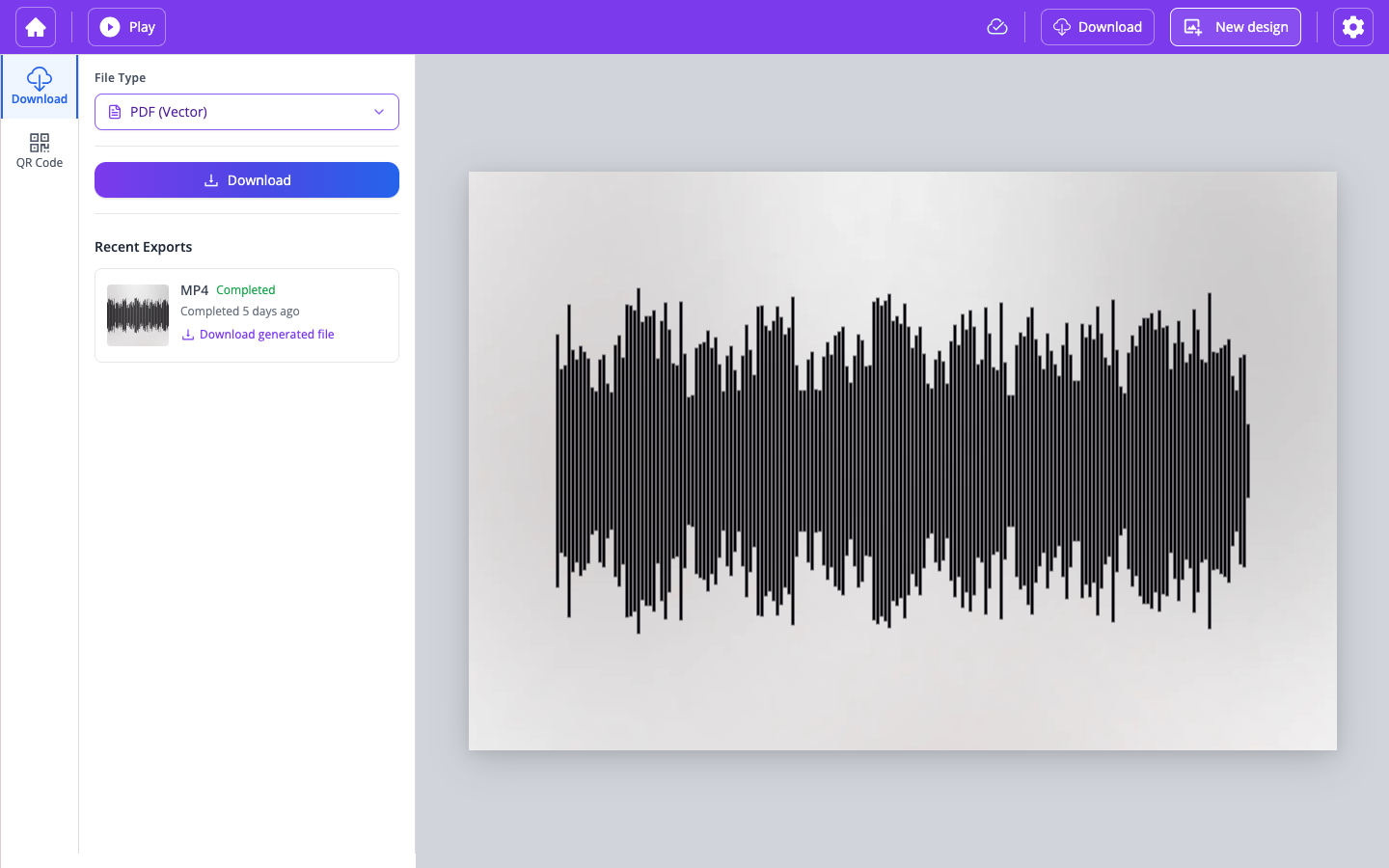
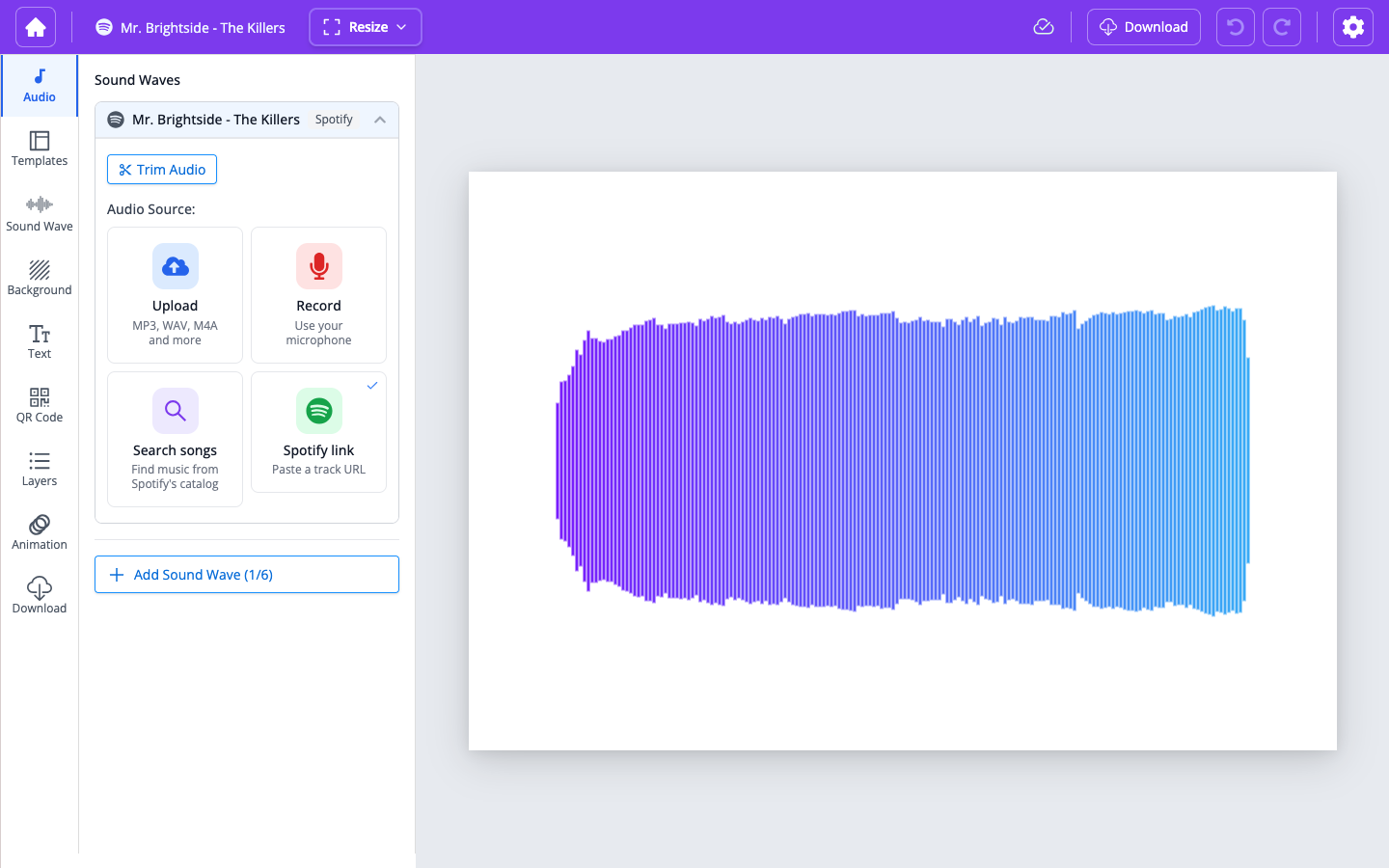
For Spotify tracks, WaveVisual can't play the audio inside the editor. These songs are copyrighted, and we don't hold a license to stream or play full tracks outside Spotify's own app—only Spotify can legally play the complete song. Instead, use the Spotify link in the top toolbar—it opens the song on Spotify where you can listen. On larger screens the link often shows the track title; on smaller widths it may appear as Play with the Spotify icon.