
How can I use credits to purchase a design?
Paying with credits in WaveVisual is pretty simple. You will see an option to pay with your credits under the Download tab.
Once you have credits, using them is pretty simple. Open the Download tab and you’ll see your remaining credits just above the “Continue to Checkout” button, along with an “Order with credit” button.
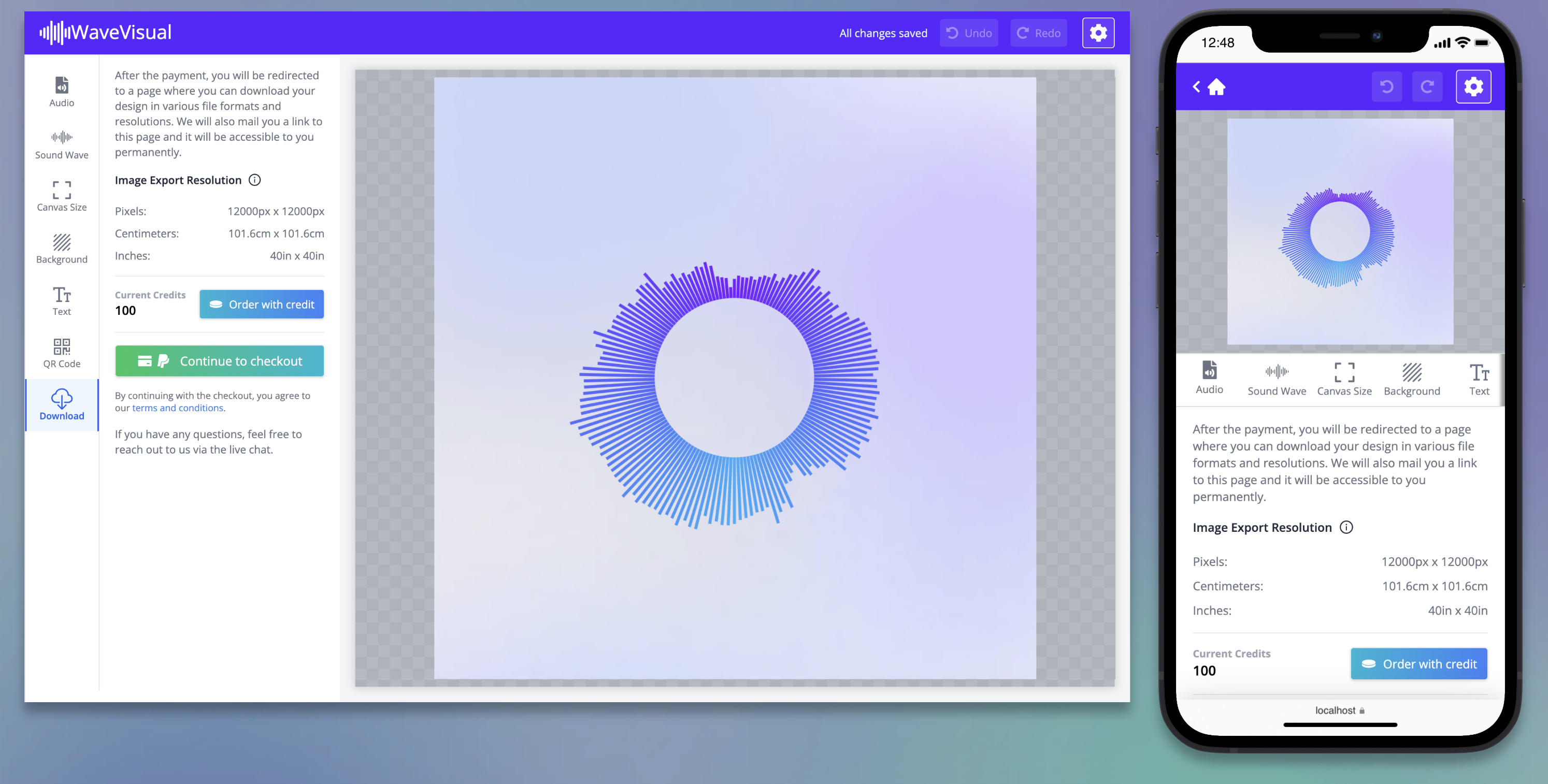
Click it and one credit is deducted from your account. Your artwork will then be generated in all available file formats, as shown below.
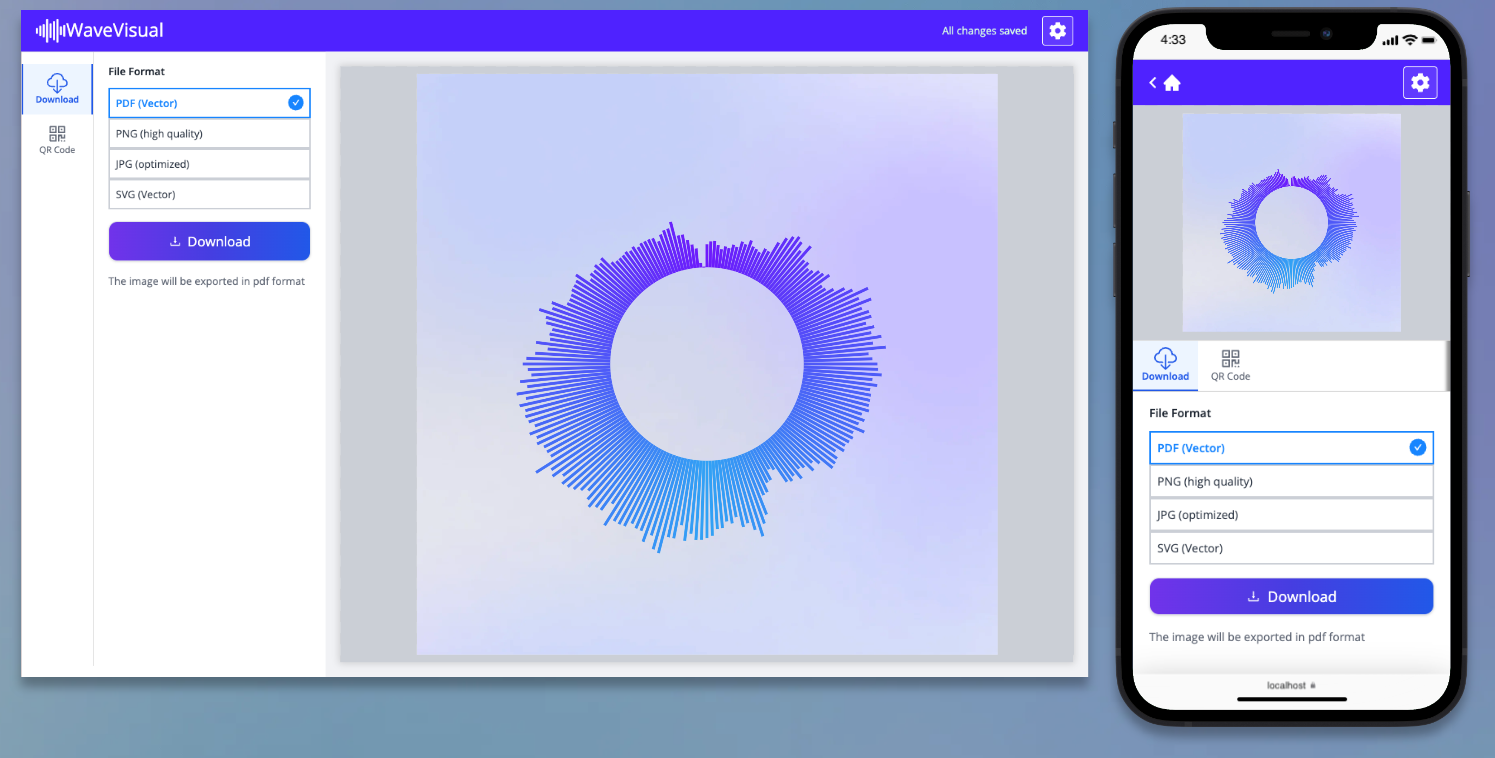
- JPG
- PNG
- SVG
- MP4
- WEBM
- MOV
- GIF
JPG and PNG have optional resize settings if you need a smaller resolution. SVG, PDF, and video formats don’t have resize options since they scale or play at their native resolution.
Credits never expire
Your credits stay on your account with no deadline. You can stock up whenever you like and use them at your own pace.
Need more credits? Buy a credit pack
If you run out, you can buy a credit pack from the pricing page without a subscription. Each pack adds a fixed number of credits to your account.
What about the Unlimited subscription?
On the Unlimited plan you don’t need credits. Designs export freely while your subscription is active. Any credits you already have won’t disappear though; they’ll still be there if your subscription ends.