
Wallpapers are ready-made gradient images you can put behind your sound wave. In the editor they appear under Wallpapers in the Background tab (older notes may still call them background templates).
How to apply a wallpaper#
- Open your design in the editor.
- Open the Background tab.
- Scroll to Wallpapers.
- Click a thumbnail. It fills the canvas as a cover image.
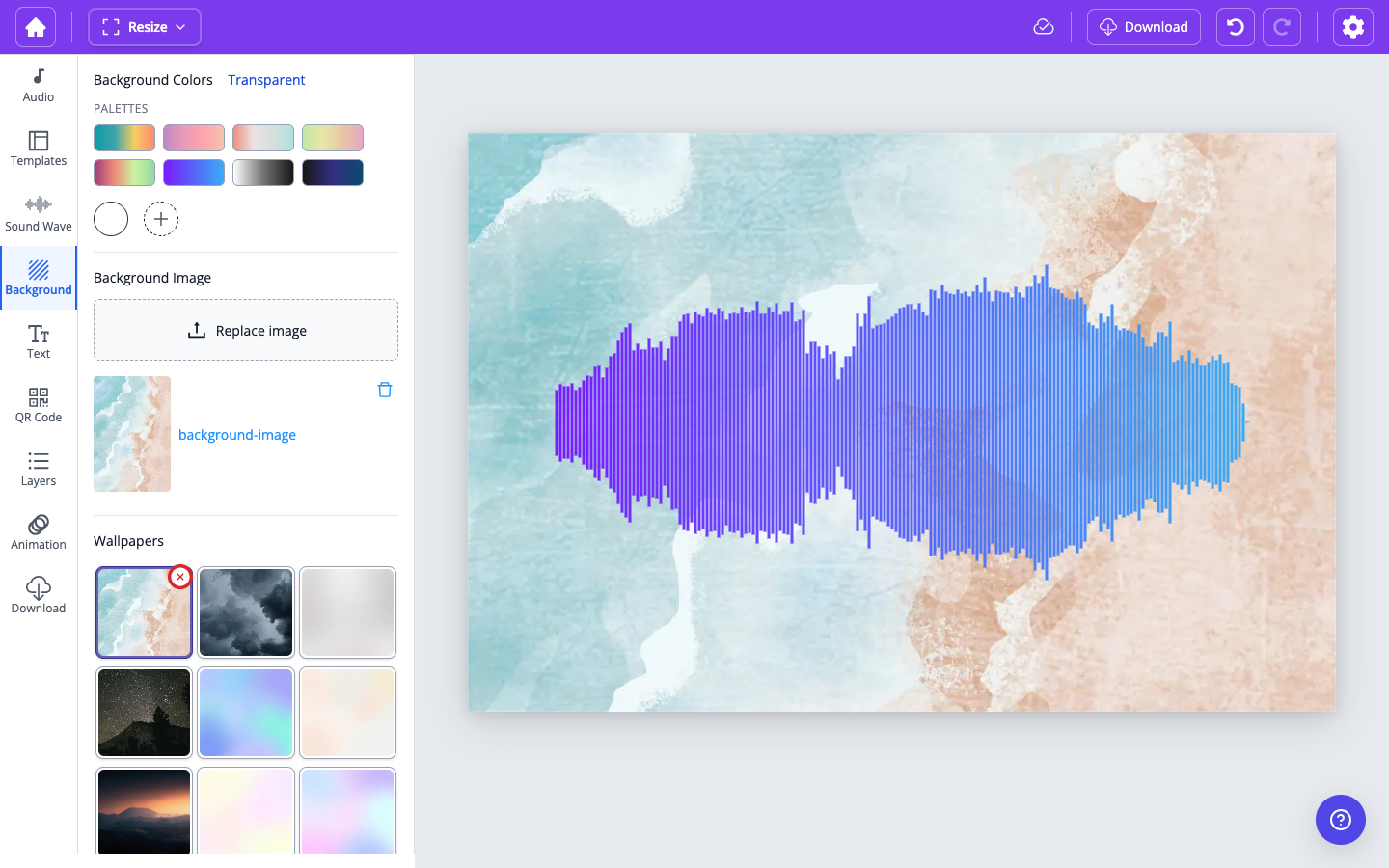
There are 60+ wallpapers, from soft pastels to night skies. Pick one that sits well with your wave colors.
Remove or replace#
- Click a different wallpaper to switch.
- On the selected wallpaper, use the remove control (the X) to clear it.
- You can also set Background Colors (including a transparent background) or upload your own image under Background Image. See Can I upload a background image to my sound wave artwork?.
Wallpapers are not design templates#
A wallpaper only changes the background. To apply a full layout (wave style, text, and background together), use the Templates tab.
Related: